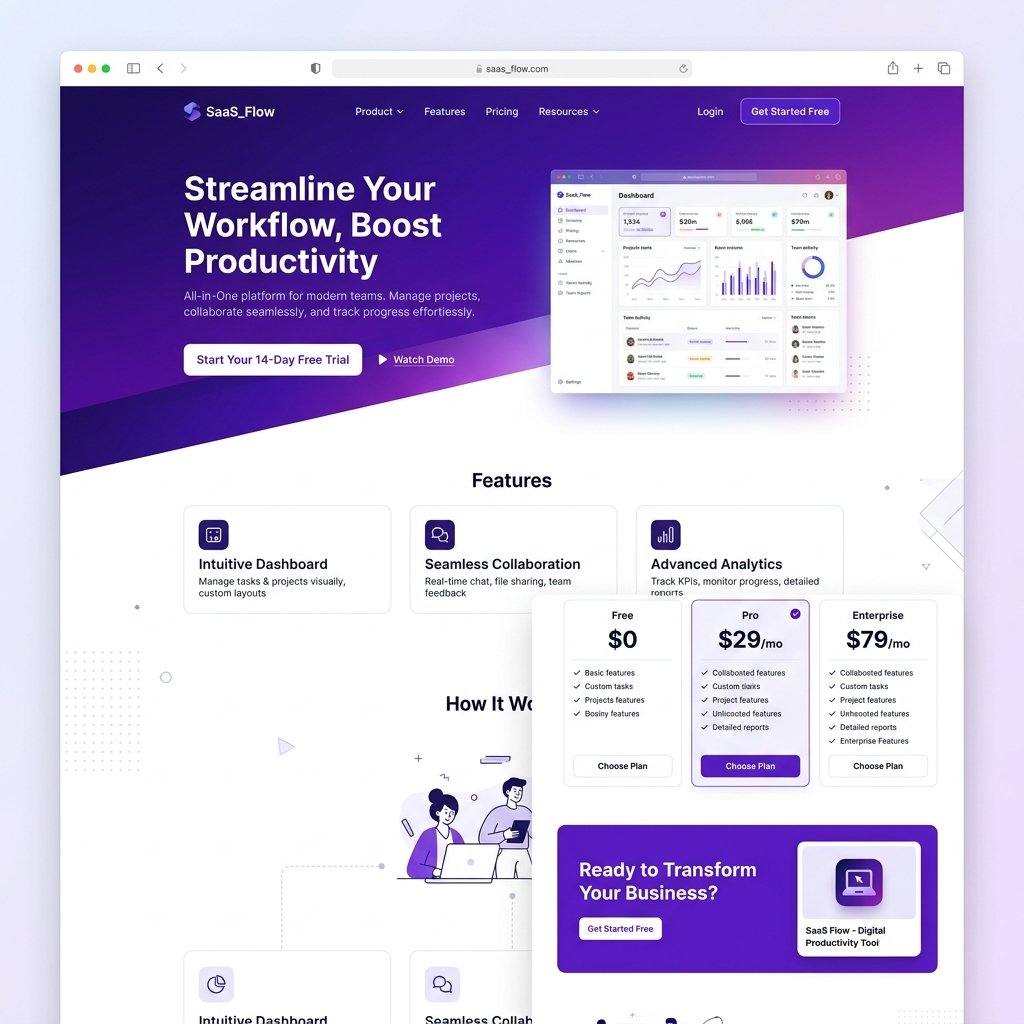
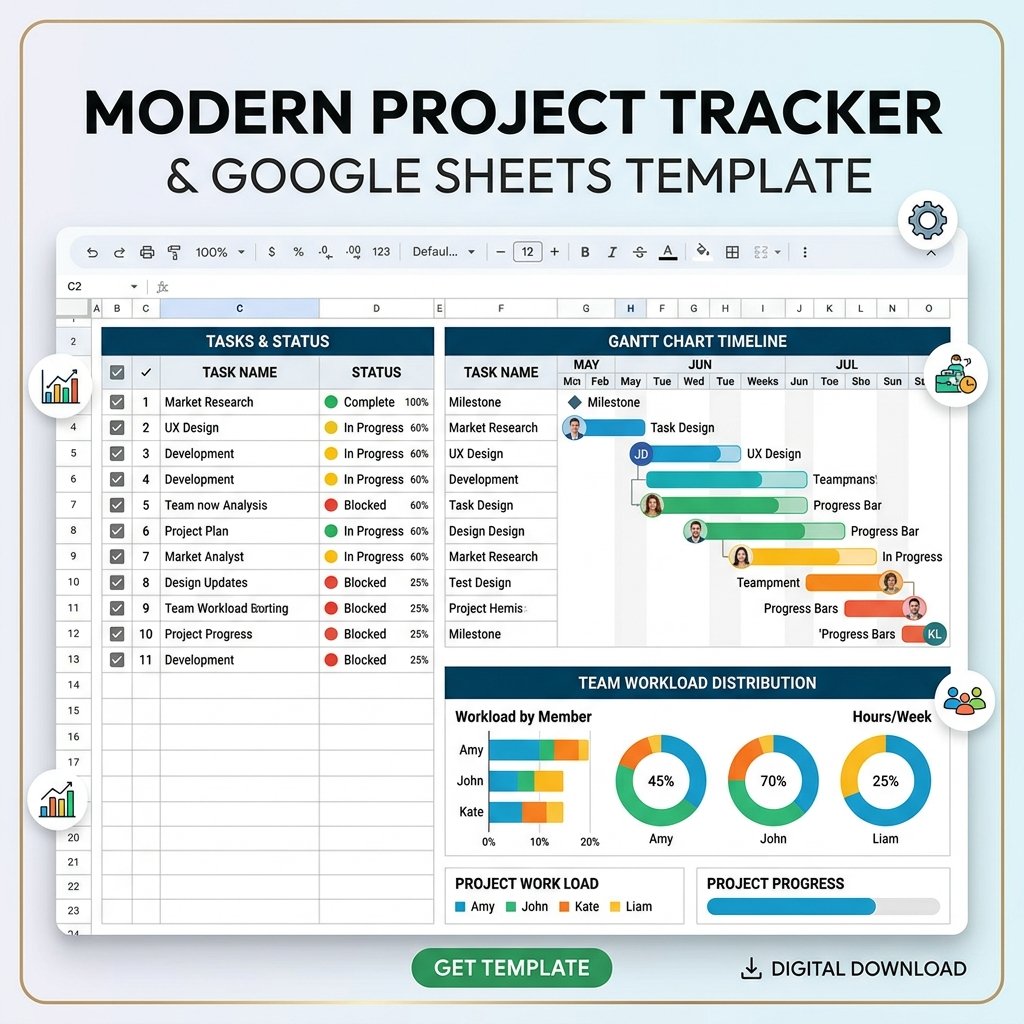
Project Management Tracker Google Sheets template with Gantt chart and task dependencies
Google Sheets

Project Management Tracker

Gantt chart, task dependencies, team workload balancer, and automated status reports โ€” all inside Google Sheets. No expensive PM tools needed.

โ˜…โ˜…โ˜…โ˜…โ˜…
4.8 ยท Trusted by 93 customers
$44
$74
41% OFF
  • โšก Instant delivery after payment
  • ๐Ÿ“Š Visual Gantt chart timeline
  • ๐Ÿ‘ฅ Team workload balancing
  • ๐Ÿ”„ Free lifetime updates included
๐Ÿ”’Secure Payment
๐Ÿ“งEmail Delivery
๐Ÿ’ณUSD & INR

About This Template

The Project Management Tracker is a comprehensive Google Sheets template that gives you enterprise-level project management capabilities without the cost of tools like Asana, Monday.com, or Jira.

Why You Need This

Managing projects across spreadsheets quickly becomes chaotic. This template brings structure with a visual Gantt chart, automated task dependencies, and workload visibility โ€” so you always know who's doing what and when things are due.

Key Capabilities

  • Interactive Gantt chart that auto-updates based on task dates
  • Task dependency tracking โ€” see cascading deadline impacts
  • Team workload balancer to prevent burnout and bottlenecks
  • Automated status reports with progress percentages
  • Milestone tracking with visual indicators
  • Priority and status color-coding for quick scanning

Who It's For

Project managers, team leads, freelancers juggling multiple projects, and small teams who need a lightweight but powerful PM solution.
Product Info

FormatGoogle Sheets
DeliveryInstant Download
UpdatesLifetime Free
SupportEmail Support
LicenseSingle User
RequiresFree Google Account
๐Ÿ“Š

Visual Gantt Chart

Auto-updating timeline view of all tasks with color-coded status bars and milestone markers.

๐Ÿ”—

Task Dependencies

Define which tasks depend on others and see how delays cascade through your project timeline.

๐Ÿ‘ฅ

Workload Balancer

See each team member's allocation and redistribute work to prevent overload.

๐Ÿ“‹

Status Reports

Auto-generated progress summaries you can share with stakeholders in seconds.

๐ŸŽฏ

Milestone Tracking

Mark key deliverables and track them visually across your project timeline.

๐ŸŽจ

Priority Color-Coding

Instantly see critical, high, medium, and low priority tasks with color indicators.

File FormatGoogle Sheets (.gsheet)
Sheets Included4 interconnected sheets
Gantt ChartAuto-updating visual
Max Tasks200+ tasks supported
Team MembersUnlimited
Software RequiredGoogle Sheets (free)
LicenseSingle user, lifetime
There's no limit. Add as many team members as your project needs. The workload view adjusts automatically.
Yes. You can duplicate the template for each project, or use the built-in project categorization to manage multiple projects in one sheet.
This template is optimized for Google Sheets. Some formulas may not translate perfectly to Excel, so we recommend using it in Google Sheets for the best experience.

What Customers Say

โ˜…โ˜…โ˜…โ˜…โ˜…

"Replaced Monday.com for our 5-person team. The Gantt chart is surprisingly powerful for a spreadsheet."

NK
Neha K.
Product Manager
โ˜…โ˜…โ˜…โ˜…โ˜…

"As a freelancer managing 4 clients, this tracker keeps everything organized. The workload view is a lifesaver."

CR
Chris R.
Freelance Designer
โ˜…โ˜…โ˜…โ˜…โ˜†

"Great value. Does 80% of what Asana does at a fraction of the cost. Highly recommend for small teams."

AL
Amy L.
Team Lead

Ready to save 20+ hours a week?

Browse our collection and find the right tool for your workflow.

Browse Products โ†’